How to use a smartcard with MobaXterm
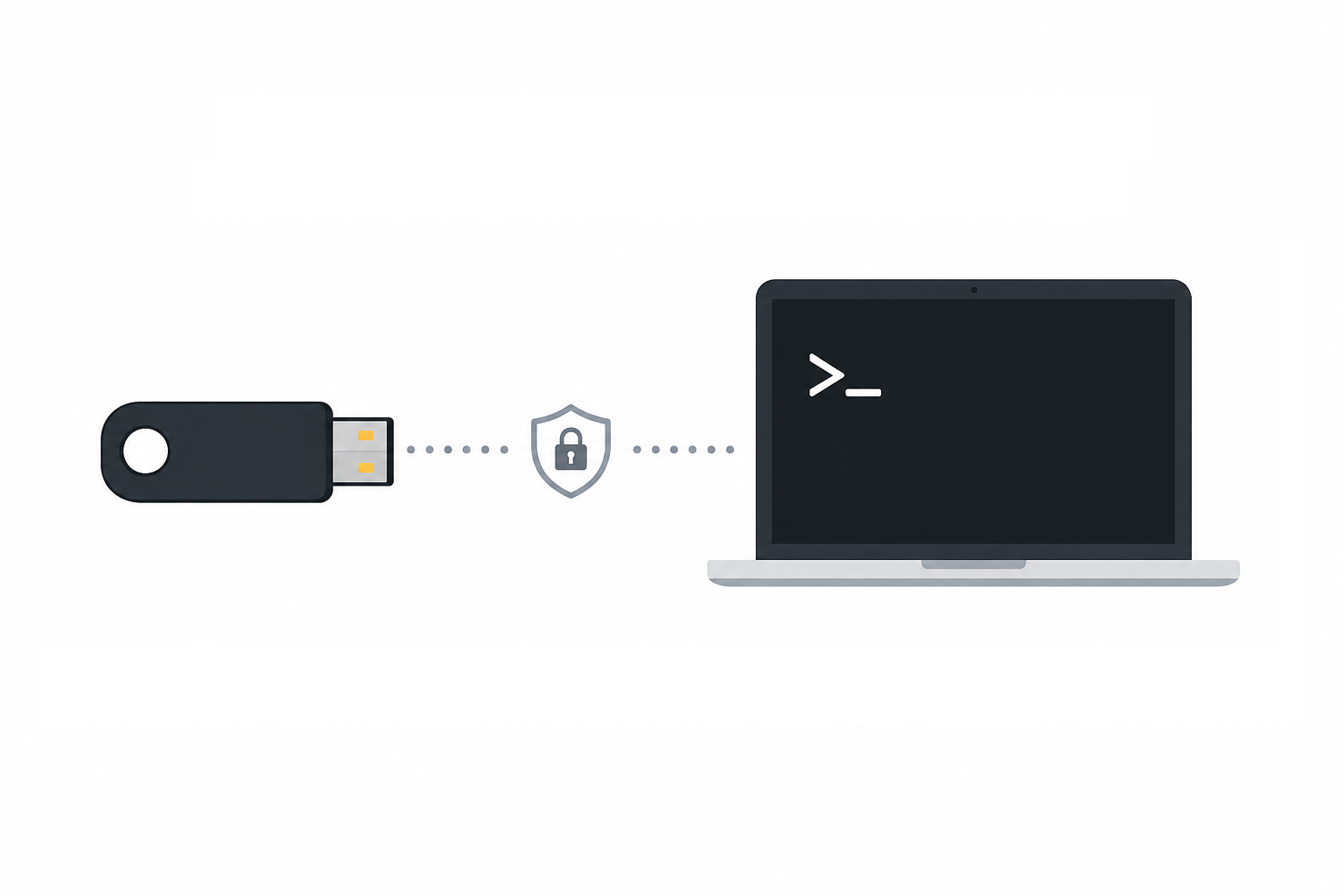
How to use smartcards with SSH connections With MobaXterm, you can use a certificate stored on your smartcard for your SSH sessions. MobaXterm uses the Microsoft “CryptoAPI” mechanism. Currently, MobaXterm supports only CAPI certificates; FIDO and PKCS certificates are not supported. CAPI certificates are supported by most types of Smartcards. Follow these steps to use your smartcard: For Yubikey users, please download and install the smart card minidriver from this address: https://www.yubico.com/support/download/smart-card-drivers-tools/ Start MobaXterm and create a new SSH session. Read more »